


AI Tattoo Design
4.535.00 Reviews
App Specs
- Version
- 1.2.0803
- Updated On
- License
- Free
- Downloads
- 100,000+
- Developer
- CamSoft AI Magic
- Categories
- Art & Design
- Platform
- Android
Screenshots
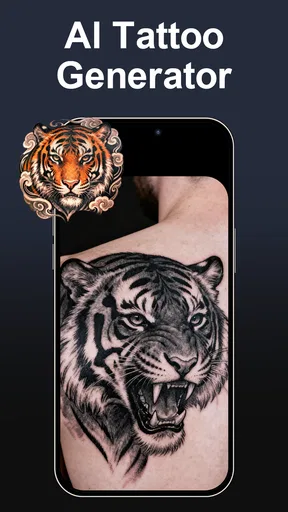
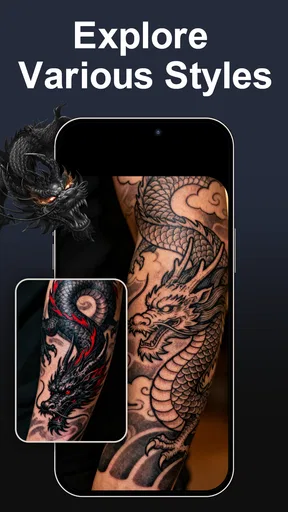
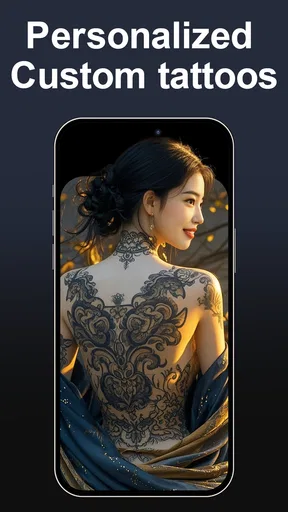
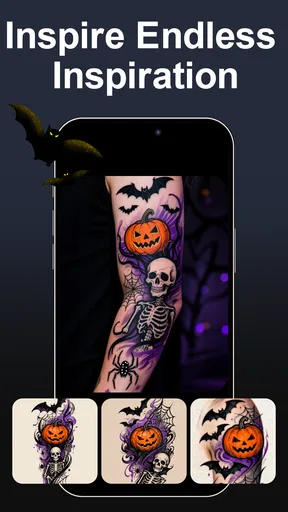
 Analysis by AppCompare
Ever find yourself doodling tattoo ideas on a napkin, only to realize they look nothing like you imagined? Well, fear not, because AI Tattoo Design is here to rescue your artistic ambitions! Let's dive into what this app offers, and why it might just be your new best friend in the world of ink.
Getting Started with AI Tattoo Design
First things first, downloading and setting up AI Tattoo Design is a breeze. Available on both Android and iOS, you can grab it from your app store of choice and be designing in no time. The interface is clean and intuitive, so you don't need an art degree to navigate it. Just fire up the app and you're greeted with a straightforward dashboard that screams, "Let's get creative!"
Designing Your Dream Tattoo
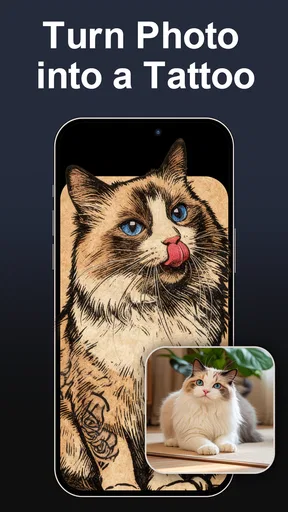
Once you’re in, the magic really starts to happen. The app uses advanced AI to help you create unique tattoo designs based on your input. You can either upload an image for inspiration or start from scratch. The AI analyzes your preferences and churns out designs that are surprisingly spot-on. It’s like having a little tattoo artist in your pocket, ready to sketch out your wildest ideas.
What’s cool is that you can tweak every detail. Want that dragon to breathe more fire? No problem. Need to adjust the size or color? Easy peasy. The customization options are vast, so you can play around until it’s just right.
Exploring Tattoo Trends
Not sure what you want? The app also showcases trending tattoo designs, so you can get some inspiration. Check out what’s hot in the tattoo world and see how you can incorporate those elements into your design. It’s a great way to stay on top of trends and perhaps find a style you hadn’t considered before.
Virtual Try-On
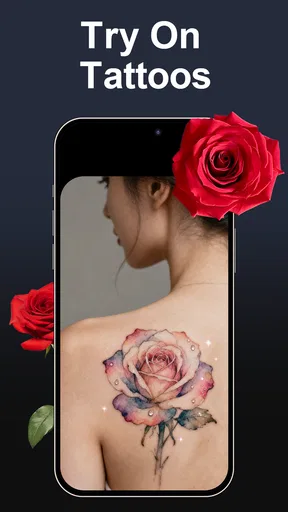
One of the standout features is the virtual try-on option. It uses augmented reality to let you see how a tattoo would look on your body. Just point your camera, select a design, and voilà! You can practically envision yourself walking out of the tattoo parlor with your new ink. This feature is insanely helpful for those who want to ensure their new tattoo fits perfectly with their body and aesthetic.
Connecting with Tattoo Artists
If you love a design and are ready to make it permanent, the app can help you connect with local tattoo artists. It offers a list of recommended artists in your area, complete with reviews and portfolios. This saves you the hassle of searching for someone who can bring your digital design to life in the real world.
Worth Reading Before You Choose

EA SPORTS FC Mobile 26 Is a Bigger Football Game, but It Takes Time

Flipboard Shows What News Apps Must Do Beyond the Feed

Switching to Android Auto Means Rethinking Your Driving Routine

Google Calendar Makes a Crowded Week Easier to Manage

Ludo King Makes the Most of the Minutes Between Plans

Baby Panda World Brings Quick Play to Modern Phones, but Its Game Library Feels Busy
A Few Quirks
Of course, no app is perfect. While AI Tattoo Design is impressive, it can sometimes get a tad too creative, generating designs that might seem a little out there. But hey, even Bob Ross had his happy little accidents, right? A little patience and tweaking usually do the trick.
Also, while the virtual try-on is super fun, it might not always perfectly align with your body in every lighting condition, so take it with a pinch of salt.
Final Thoughts
In a nutshell, AI Tattoo Design is a fantastic tool for anyone looking to explore the world of tattoos. Whether you’re a seasoned ink enthusiast or a newbie just dipping your toes, this app has something for everyone. It’s like having a personal tattoo artist and trend advisor, all in the palm of your hand. So, why not give it a whirl and let your creativity run wild?
Pros
- Wide variety of tattoo styles available.
- Intuitive interface for easy navigation.
- Customizable design options.
- High-resolution design previews.
- Regular updates with new features.
Cons
- Limited free design options.
- Requires internet connection.
- Ads can be intrusive at times.
- No direct artist contact feature.
- Some designs lack originality.
FAQs for AI Tattoo Design
What features does the AI Tattoo Design app offer?
The AI Tattoo Design app provides a wide range of features, including a vast library of tattoo styles, customizable templates, and AI-powered design suggestions. Users can upload their own images to create unique designs and access tools for resizing, rotating, and color adjustments to personalize their tattoos.
Is the AI Tattoo Design app user-friendly for beginners?
Yes, the app is designed with an intuitive interface that makes it accessible to beginners. It offers step-by-step tutorials and helpful tips to guide users through the design process. Additionally, the AI suggestions help simplify the creation of complex tattoo designs, making it easier for first-time users.
Can I share my tattoo designs with friends or artists?
Absolutely! The AI Tattoo Design app allows users to easily share their creations via social media, email, or direct messaging. This feature is perfect for receiving feedback or consulting with tattoo artists. Users can export high-quality images to ensure the designs are clear and detailed.
Are there any costs associated with using the AI Tattoo Design app?
The app offers both free and premium versions. The free version provides basic features and access to a limited library, while the premium version unlocks advanced tools, an extensive collection of designs, and ad-free usage. Users can choose between monthly or yearly subscription plans based on their needs.
Is my personal data safe when using the AI Tattoo Design app?
Yes, user privacy and data security are top priorities for the AI Tattoo Design app. It complies with industry-standard security protocols to ensure that personal information and design data are protected. Users can review the app's privacy policy to understand how their data is managed and stored.


